

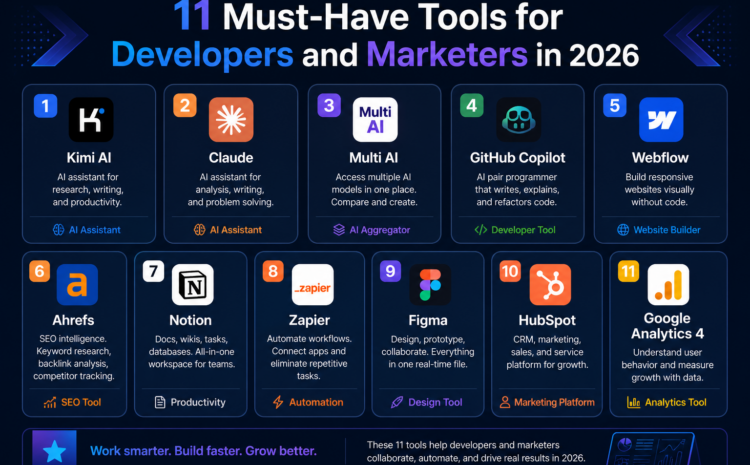
11 Must-Have Tools for Developers and Marketers in 2026
The digital landscape in 2026 is evolving faster than ever, and staying competitive means leveraging the right technology stack. Whether you’re building applications, scaling campaigns, or managing workflows, choosing the right tools for developers and marketers can dramatically improve productivity, efficiency, and results. AI-powered platforms now dominate both development and marketing ecosystems, automating repetitive tasks, enhancing creativity, and enabling data-driven decision-making. From advanced coding assistants to intelligent content generators and automation platforms, these tools are no longer optional; they are essential. This guide explores the top tools for developers and marketers in 2026, highlighting their features, use cases, and why they matter in today’s fast-paced digital world. If you want to future-proof your workflow, this list is your starting point.
Why Tools Matter in 2026?
In 2026, the role of AI tools has expanded beyond simple automation. They now handle coding, debugging, content creation, analytics, and even decision-making. Developers use AI to write and review code, while marketers rely on it for personalized campaigns and audience insights.
Studies show that AI tools significantly boost productivity and code quality, creating a “virtuous cycle” of adoption across teams.
This is why investing in the right Tools for Developers and Marketers is no longer optional; it’s strategic.
Key Categories of Tools
Before diving into the list, it’s important to understand the core categories:
1. AI Coding Assistants
Help developers write, debug, and optimize code.
2. Content & Copy Tools
Used by marketers to generate blogs, ads, and emails.
3. Automation Platforms
Streamline workflows across tools and teams.
4. Collaboration & Productivity Tools
Enhance communication and project management.
5. Data & Analytics Tools
Drive insights for better decision-making.
11 Best Tools for Developers and Marketers in 2026
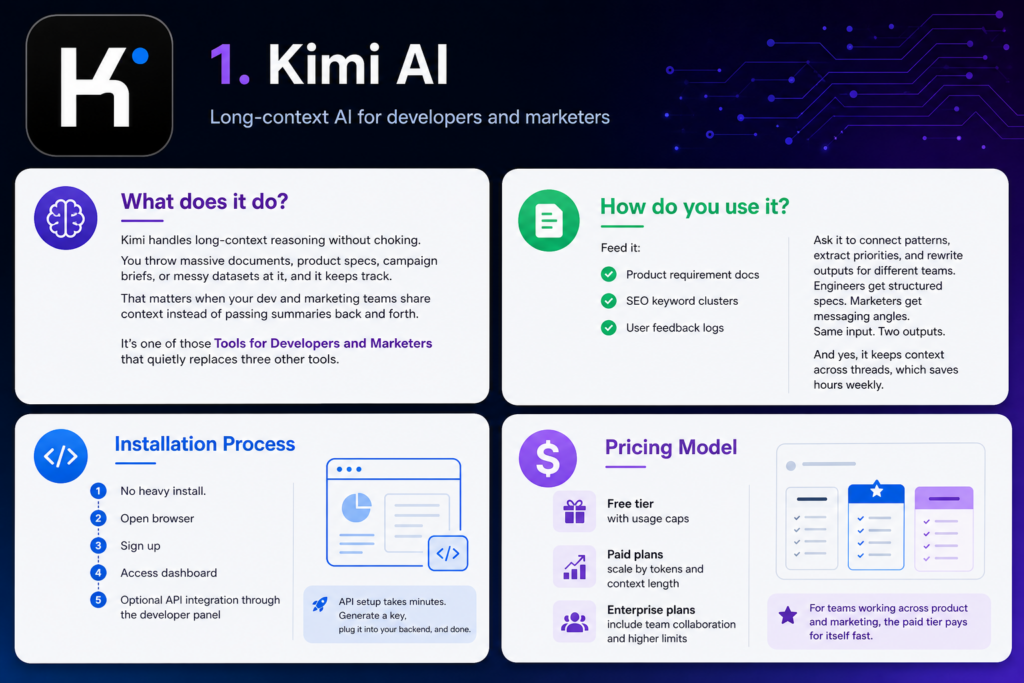
1. Kimi AI
What does it do?
Kimi handles long-context reasoning without choking. You throw massive documents, product specs, campaign briefs, or messy datasets at it, and it keeps track. That matters when your dev and marketing teams share context instead of passing summaries back and forth.
It’s one of those Tools for Developers and Marketers that quietly replaces three other tools.
How do you use it?
Feed it:
- Product requirement docs
- SEO keyword clusters
- User feedback logs
Ask it to connect patterns, extract priorities, and rewrite outputs for different teams. Engineers get structured specs. Marketers get messaging angles. Same input. Two outputs.
And yes, it keeps context across threads, which saves hours weekly.
Installation Process
No heavy install.
- Open browser
- Sign up
- Access dashboard
- Optional API integration through the developer panel
API setup takes minutes. Generate a key, plug it into your backend, and done.
Pricing Model
- Free tier with usage caps
- Paid plans scale by tokens and context length
- Enterprise plans include team collaboration and higher limits
For teams working across product and marketing, the paid tier pays for itself fast.
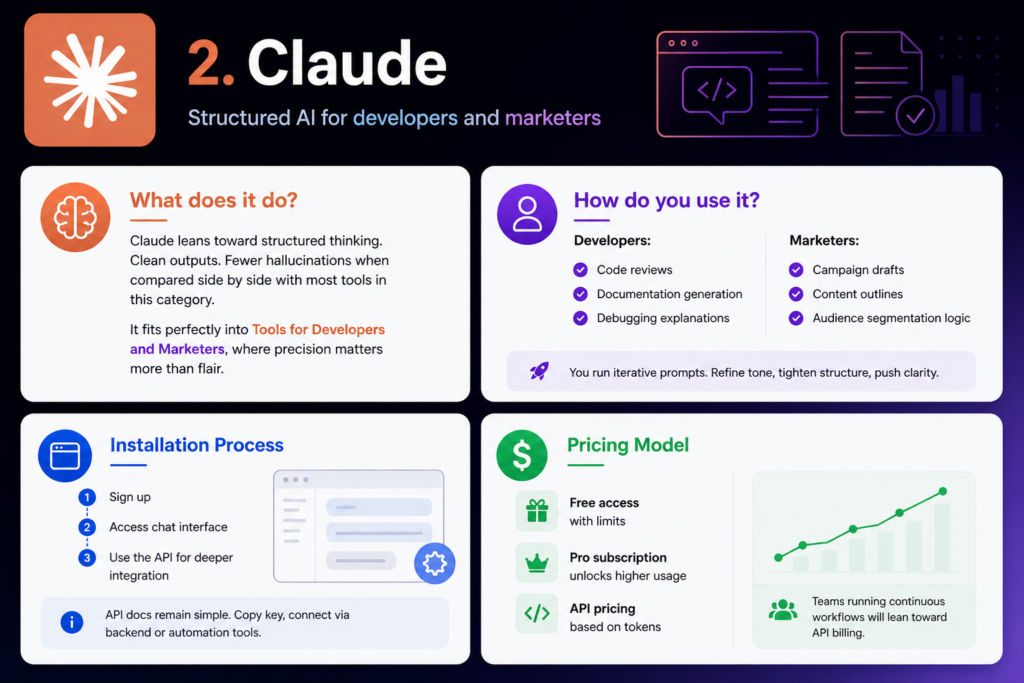
2. Claude
What does it do?
Claude leans toward structured thinking. Clean outputs. Fewer hallucinations when compared side by side with most tools in this category.
It fits perfectly into Tools for Developers and Marketers, where precision matters more than flair.
How do you use it?
Developers:
- Code reviews
- Documentation generation
- Debugging explanations
Marketers:
- Campaign drafts
- Content outlines
- Audience segmentation logic
You run iterative prompts. Refine tone, tighten structure, push clarity.
Installation Process
Again, browser-first.
- Sign up
- Access chat interface
- Use the API for deeper integration
API docs remain simple. Copy key, connect via backend or automation tools.
Pricing Model
- Free access with limits
- Pro subscription unlocks higher usage
- API pricing based on tokens
Teams running continuous workflows will lean toward API billing.
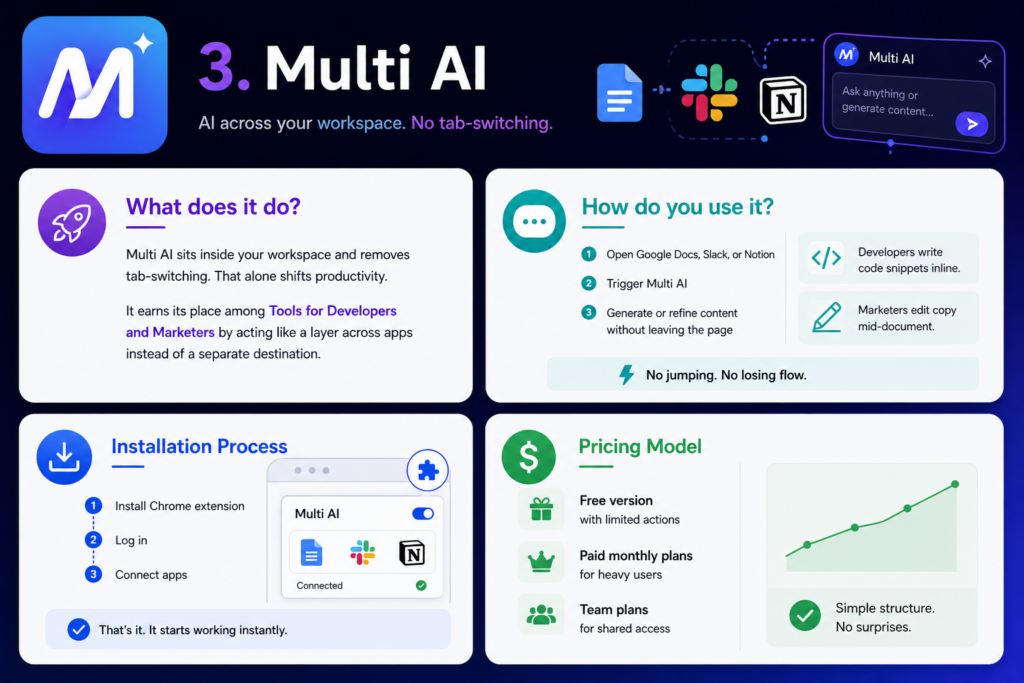
3. Multi AI
What does it do?
Multi AI sits inside your workspace and removes tab-switching. That alone shifts productivity.
It earns its place among Tools for Developers and Marketers by acting like a layer across apps instead of a separate destination.
How do you use it?
- Open Google Docs, Slack, or Notion
- Trigger Multi AI
- Generate or refine content without leaving the page
Developers write code snippets inline. Marketers edit copy mid-document.
No jumping. No losing flow.
Installation Process
- Install Chrome extension
- Log in
- Connect apps
That’s it. It starts working instantly.
Pricing Model
- Free version with limited actions
- Paid monthly plans for heavy users
- Team plans for shared access
Simple structure. No surprises.
4. GitHub Copilot
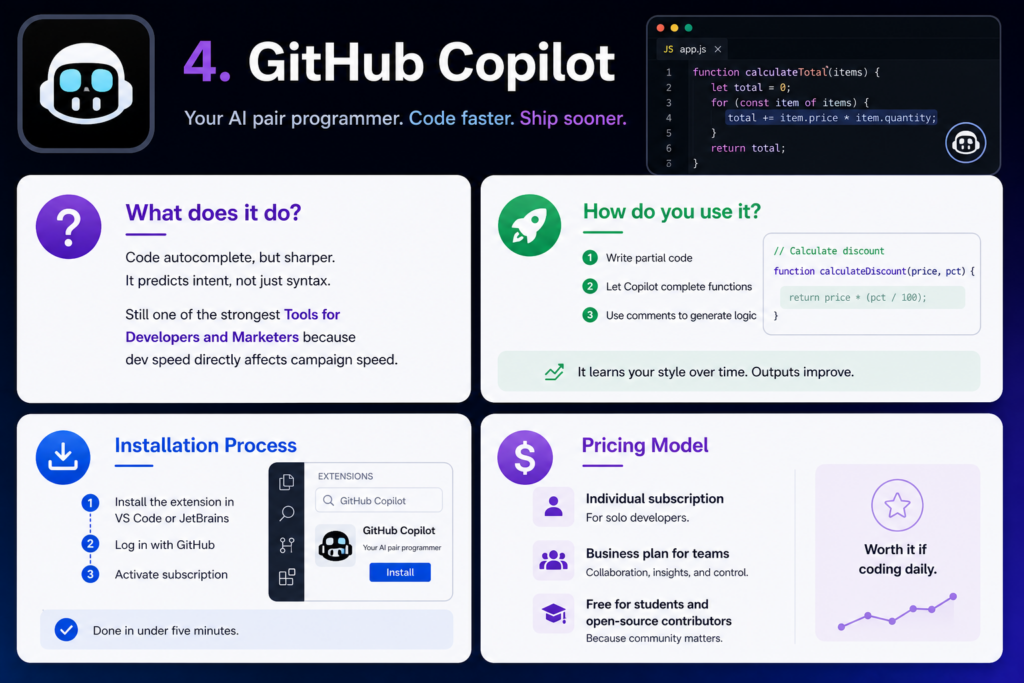
What does it do?
Code autocomplete, but sharper. It predicts intent, not just syntax.
Still one of the strongest Tools for Developers and Marketers because dev speed directly affects campaign speed.
How do you use it?
- Write partial code
- Let Copilot complete functions
- Use comments to generate logic
It learns your style over time. Outputs improve.
Installation Process
- Install the extension in VS Code or JetBrains
- Log in with GitHub
- Activate subscription
Done in under five minutes.
Pricing Model
- Individual subscription
- Business plan for teams
- Free for students and open-source contributors
Worth it if coding daily.
5. Webflow
What does it do?
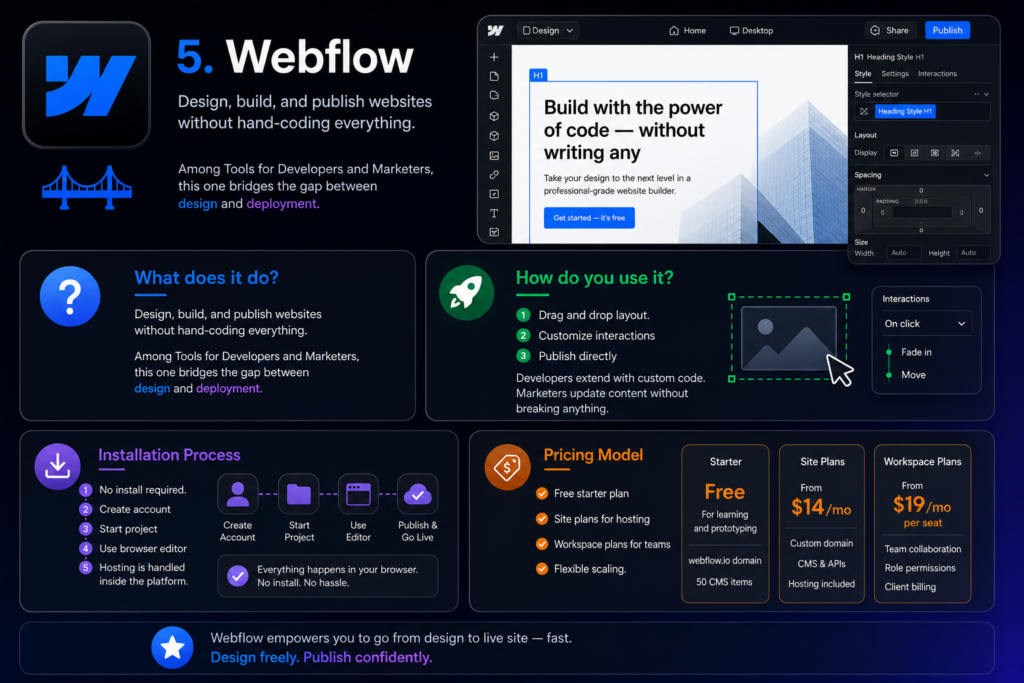
Design, build, and publish websites without hand-coding everything.
Among Tools for Developers and Marketers, this one bridges the gap between design and deployment.
How do you use it?
- Drag and drop layout.
- Customize interactions
- Publish directly
Developers extend with custom code. Marketers update content without breaking anything.
Installation Process
No install required.
- Create account
- Start project
- Use browser editor
Hosting is handled inside the platform.
Pricing Model
- Free starter plan
- Site plans for hosting
- Workspace plans for teams
Flexible scaling.
6. Ahrefs
What does it do?
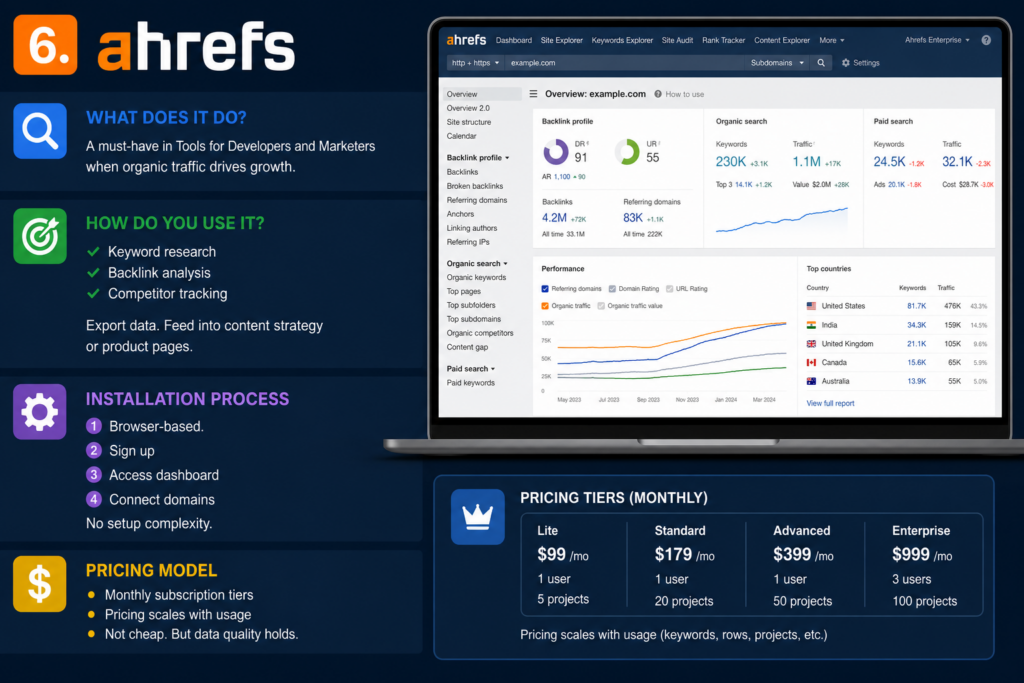
SEO intelligence. Data-heavy. No fluff.
A must-have in Tools for Developers and Marketers when organic traffic drives growth.
How do you use it?
- Keyword research
- Backlink analysis
- Competitor tracking
Export data. Feed into content strategy or product pages.
Installation Process
Browser-based.
- Sign up
- Access dashboard
- Connect domains
No setup complexity.
Pricing Model
- Monthly subscription tiers
- Pricing scales with usage
Not cheap. But data quality holds.
7. Notion

What does it do?
Docs, databases, workflows. All in one place.
This sits at the core of many Tools for Developers and Marketers stacks.
How do you use it?
- Build a knowledge base.
- Track projects
- Collaborate across teams
Developers document APIs. Marketers plan campaigns.
Shared workspace removes silos.
Installation Process
- Web app or desktop install
- Sign up
- Create workspace
Quick onboarding.
Pricing Model
- Free plan
- Paid tiers for teams
- Enterprise options
Affordable for most teams.
8. Zapier
What does it do?
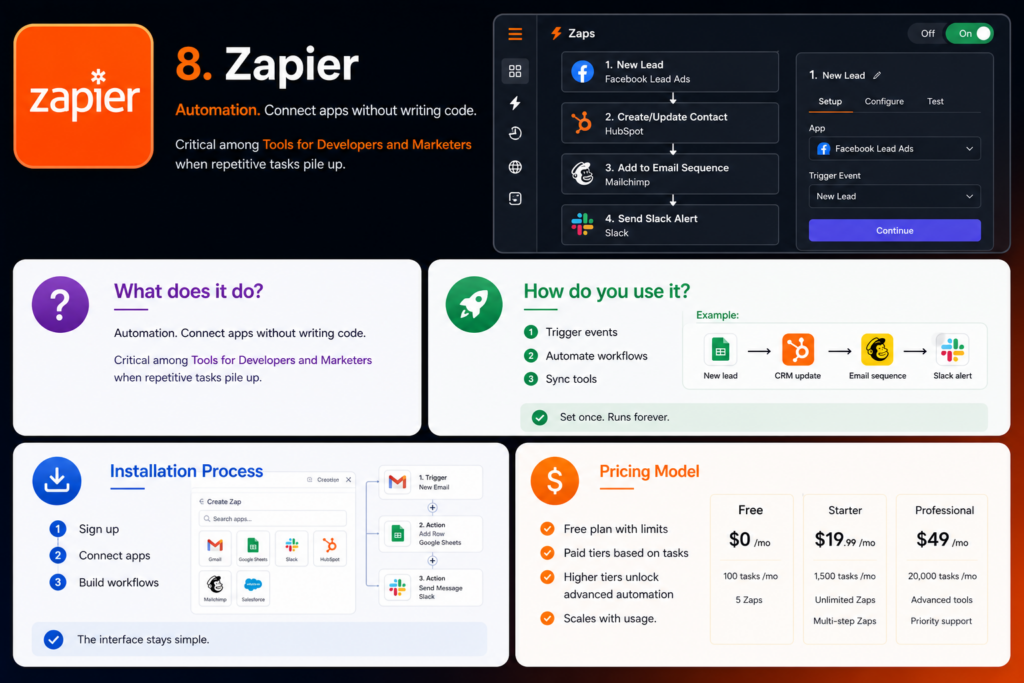
Automation. Connect apps without writing code.
Critical among Tools for Developers and Marketers when repetitive tasks pile up.
How do you use it?
- Trigger events
- Automate workflows
- Sync tools
Example:
New lead → CRM update → email sequence → Slack alert
Set once. Runs forever.
Installation Process
- Sign up
- Connect apps
- Build workflows
The interface stays simple.
Pricing Model
- Free plan with limits
- Paid tiers based on tasks
- Higher tiers unlock advanced automation
Scales with usage.
9. Figma
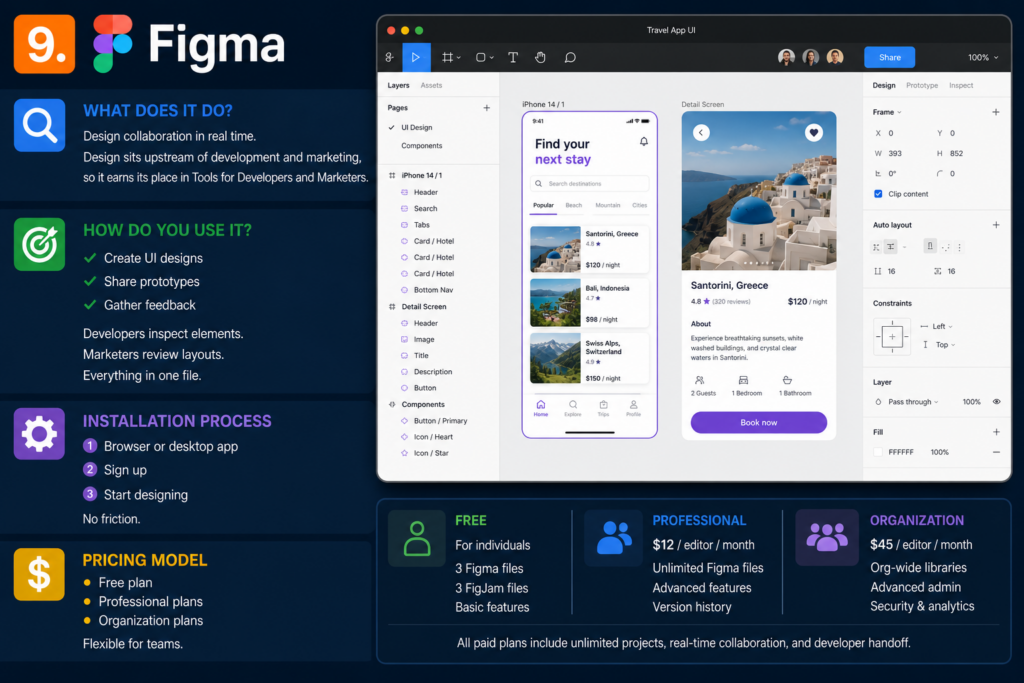
What does it do?
Design collaboration in real time.
Design sits upstream of development and marketing, so it earns its place in Tools for Developers and Marketers.
How do you use it?
- Create UI designs
- Share prototypes
- Gather feedback
Developers inspect elements. Marketers review layouts.
Everything in one file.
Installation Process
- Browser or desktop app
- Sign up
- Start designing
No friction.
Pricing Model
- Free plan
- Professional plans
- Organization plans
Flexible for teams.
10. HubSpot
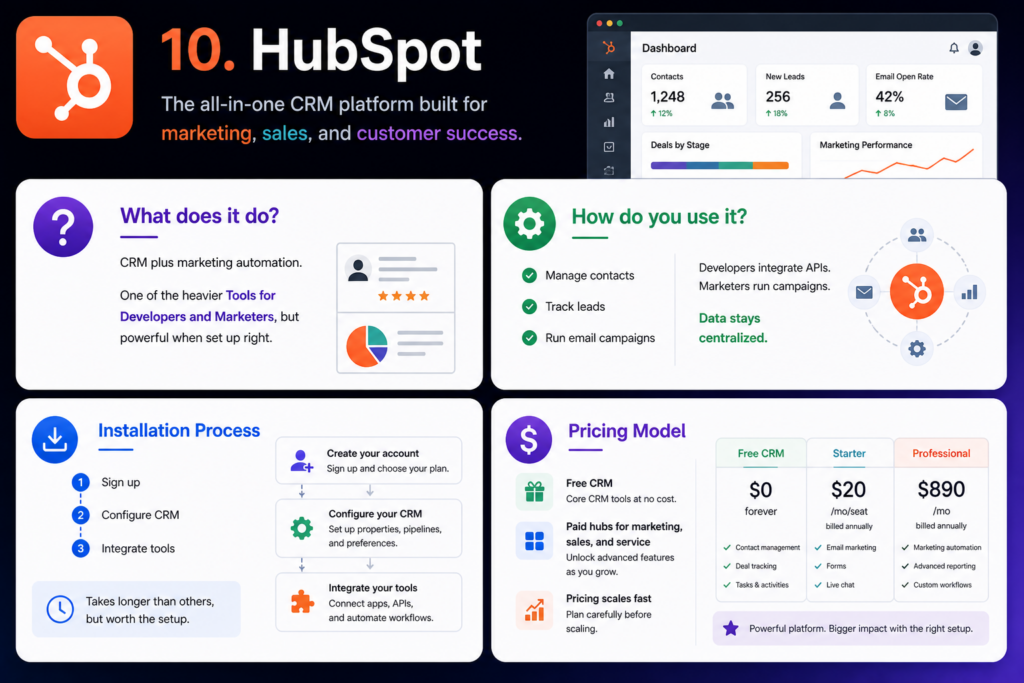
What does it do?
CRM plus marketing automation.
One of the heavier Tools for Developers and Marketers, but powerful when set up right.
How do you use it?
- Manage contacts
- Track leads
- Run email campaigns
Developers integrate APIs. Marketers run campaigns.
Data stays centralized.
Installation Process
- Sign up
- Configure CRM
- Integrate tools
Takes longer than others, but worth the setup.
Pricing Model
- Free CRM
- Paid hubs for marketing, sales, and service
- Pricing scales fast
Plan carefully before scaling.
11. Google Analytics 4
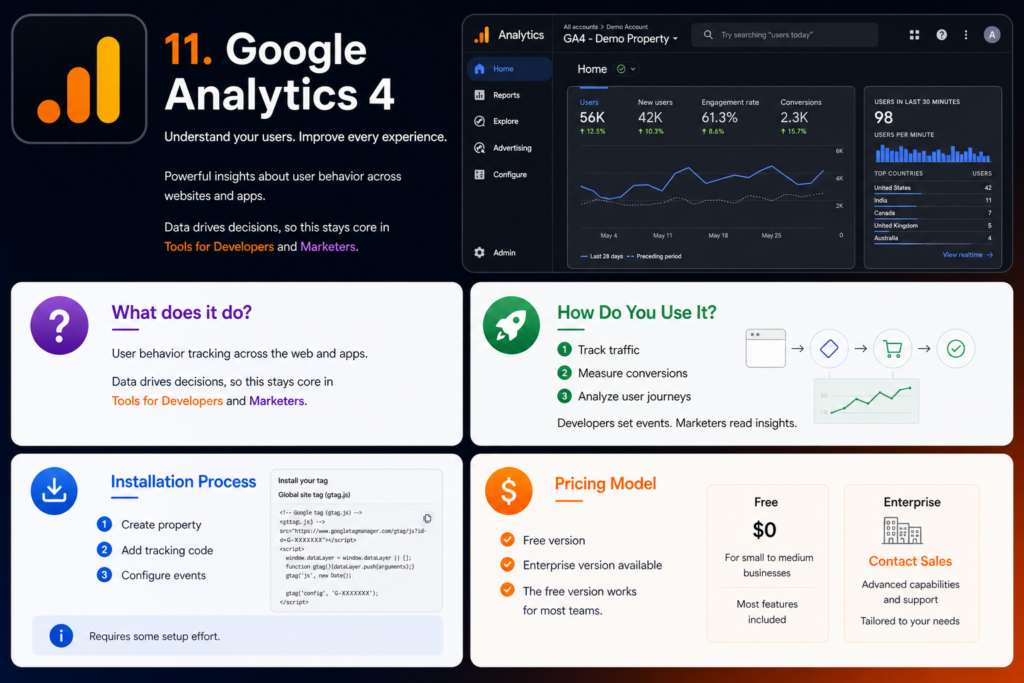
What does it do?
User behavior tracking across the web and apps.
Data drives decisions, so this stays core in Tools for Developers and Marketers.
How Do You Use It?
- Track traffic
- Measure conversions
- Analyze user journeys
Developers set events. Marketers read insights.
Installation Process
- Create property
- Add tracking code
- Configure events
Requires some setup effort.
Pricing Model
- Free version
- Enterprise version available
The free version works for most teams.
Conclusion
In a landscape crowded with tools, trends, and constant change, one thing becomes clear: tools alone aren’t enough. Execution matters. Strategy matters even more. And that’s where the right partner makes all the difference.
If you’re serious about long-term, sustainable growth, not shortcuts, not quick hacks, but real, compounding results, then working with experts can accelerate everything. That’s exactly what we focus on at OMC (Online Marketers Champ).
From data-driven SEO strategies to robust development solutions and high-converting content writing, we focus on what actually moves the needle. No fluff. No empty promises. Just consistent, measurable progress.
Think of it this way: you can have the best tools in your stack, but without the right direction, they’re just… tools. We bridge that gap, turning potential into performance.
So if you’re looking to grow with clarity, build with precision, and scale with confidence, we’re here to help you make it happen. Contact us now!

